Category Archives: Power Query

Here you can find articles about Power Query. Using this tool we can import and modify data from various sources. Originally, the term Power Query referred to the Power BI tool feature and Excel add-in that you could previously install. Currently, the tool is already fully integrated into Excel (on the Data tab).

💡 Note: Power Query used to be a separate add-in that had to be installed manually in Excel. Today, however, it’s fully integrated directly into Excel (starting with version 2016 and later, or in Microsoft 365) as the “Get Data” feature.

Some articles and functions described in this category may therefore refer to older versions of Excel and may behave differently or appear under different names in newer versions.

Don’t miss out from category:

Power BI Report (Dashboard) Tutorial Step By Step

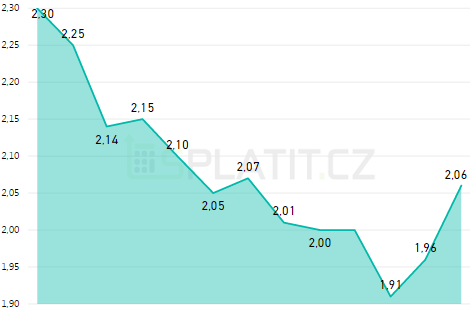
This article is meant to be some kind of a tutorial. After going through it, it should be clearer to you how to create Power Bi report like this on your own. Following this, you can create basically any report you want – company operation report (timesheets, wages, investments), financial analytics (balance sheet, income statement,… Read More »

Power Query, Power Pivot and Power BI – What’s the Difference?

Best way to understanding of the differences between individual Power BI tools is to realize that every tool has some role in the whole processing of the final report. In standard MS Business intelligence we have tools by which we ensure data transformations (SSIS), processing of data model with data storage in relation structure (SQL… Read More »

Power Query – Powerful Tool For Self Service BI – Introduction

MS Power Query is a very powerful business intelligence tool by Microsoft. As an Excel addin it can, together with Power Pivot, replace tools which were made only for experienced developers (SQL Server Integration Services etc.) The biggest advantage of this tool is the possibility to use a wide variety of connectors to data sources.… Read More »