Category Archives: SSRS – Reporting Services

reporting services
This category SSRS – Reporting Services consists of articles and instructions about how to use effectively this reporting tool integrated into MS SQL Server. Because of the zero acquisition cost and the fact that Reporting Services are a natural part of all editions of SQL Server (including Express), this tool is still often the first choice for many companies and developers.

How to Install Reporting Services (SSRS)?

Reporting Services are installed together with SQL Server installation. What do we need in order to prepare a functional report?

How to Create a Report in Reporting Services?

I have prepared a guide for creating a simple SSRS report step by step for beginners:

When creating a SSRS report, you may encounter some advanced challenges. Below is a list of advanced techniques with instructions:

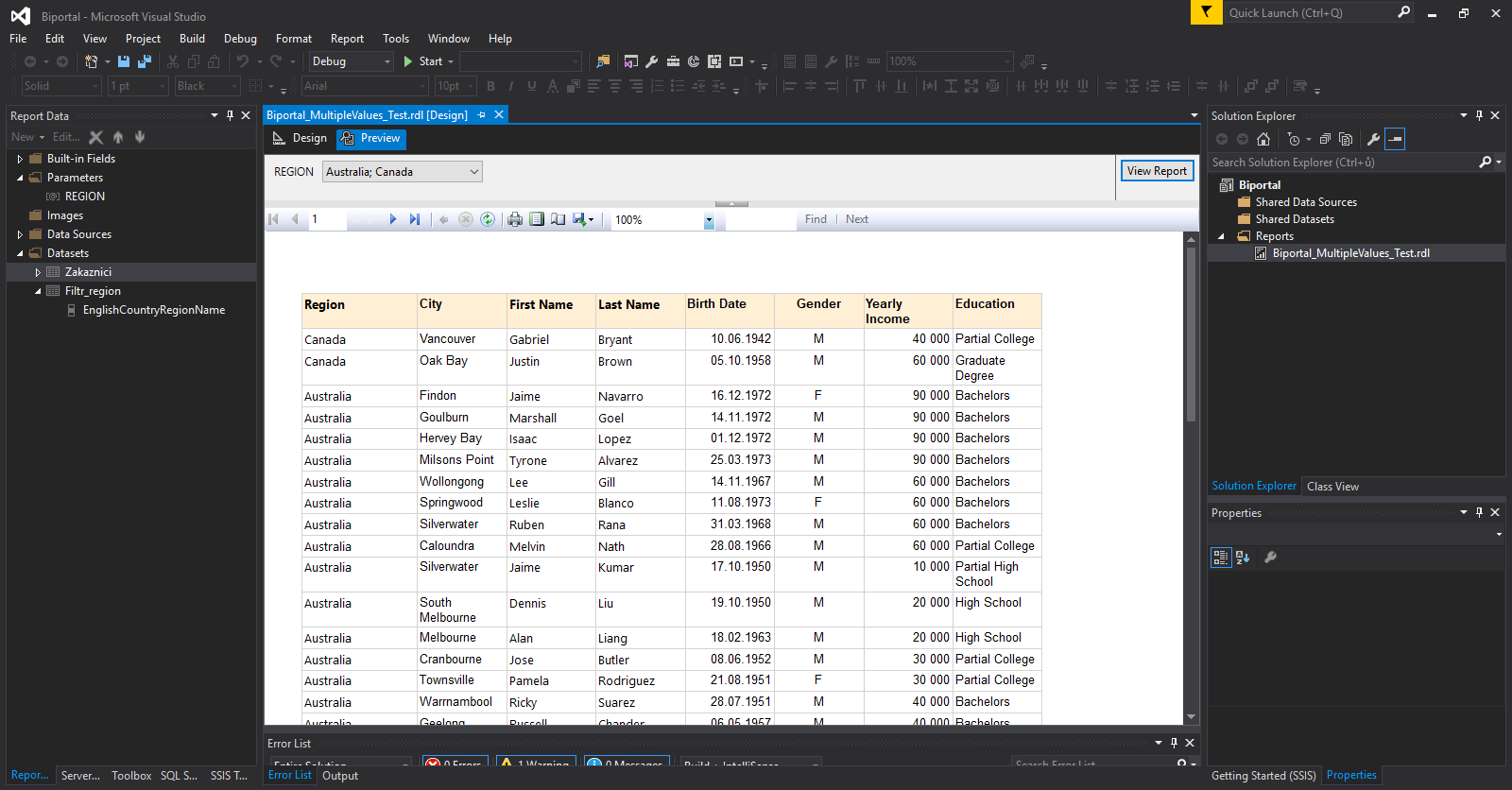
SSRS – Handling multiple value parameter/filters in reporting services

In previous articles, I have published several tutorials on Reporting Services (you can find them in the reporting services – SSRS category). These tutorials provide detailed guidance on creating a basic report using SSRS, applying parameters and filters to limit report output, and similar topics. Designing more advanced and visually appealing reports requires additional experience… Read More »

SSRS | How to Create an Amortization Calculator in SQL Server – Including a Report with Parameters

Lately, I’ve been dedicating a lot of time to financial mathematics in Excel. I’ll try to leverage that and shift the focus from Excel to SQL Server. Perhaps someone is considering creating an application for amortization calculator schedule where you can input parameters, and it will generate results for you in a table. The result… Read More »

SSRS Tutorial Part 6 – How To Deploy Report in SSRS – Reporting Services

We now have well-prepared simple report after the 5th part of the series (Configuring parameter/filter in SSRS). This article is focused on report deployment in SSRS and covers how to get report on server so that other users can take a look at it. We will do a little configuration of the project and then… Read More »

SSRS Tutorial Part 5 – Configuring Parameter/Filter in SSRS – Reporting Services

In the last article we prepared a simple report returning all rows from SQL Server dataset (Part 4 – Creating report SSRS). It displays sales data in form of a simple table. We made a promise not to make the report too complicated but we still want to do one important thing. Report returning the… Read More »

SSRS Tutorial Part 4 – Creating Report in SSRS – Reporting Services

Last 3 SSRS tutorials were kinda boring of preparation phase, maybe a calm before a storm :). After creating SSRS project, defining data source and dataset, it is finally time to create a simple report in SSRS. Reporting services offers plenty of useful tools you can use to create nice and practical tables/graphs. We will… Read More »

SSRS Tutorial Part 3 – How to Configure Dataset in SSRS – Reporting Services

Lets recap what happened in the last part of our series focused on SSRS report creating (Part 2 – Configuring Data source in SSRS). We learned how to create a connection to database via Data source connection manager. We used shared Data source with scope over whole Reporting services project. Then we added reference to… Read More »

SSRS Tutorial Part 1 – Creating SSRS Project and Report in Reporting Services

In this article I will show you how to create Reporting services (SSRS) project and report step by step. This is a first step before we will be able to create report. To even start working with Reporting Services tool, we need to meet these requirements: Visual studio 2019 (or SSDT) – in case we… Read More »

SQL Server – Reporting services 2016 News

I finally got to MS SQL Server 2016 – Release candidate 3 installation during weekend. First thing I did was focusing on news regarding Reporting services 2016. Microsoft presents its new reporting services as a big thing full of innovations. It looks attractive, sorted and when you look closely you can see resemblance to Power… Read More »

SQL Emails in Reporting Services via Subscription – Database Mail (Part 3)

Reporting services are a feature that you can use starting from the Express edition, and it is a set of services that allow you to create and publish reports. I have written a series of articles about Reporting services (the first part is here). Users can view these reports on the URL within the internal… Read More »