Category Archives: DAX

DAX is the programming language of the Power BI reporting tool. Thanks to this language, we can create various calculations and transformations needed for the definitions of metrics on top of the reports, which we can use in the reports for visualizations.

Don’t miss out from category:

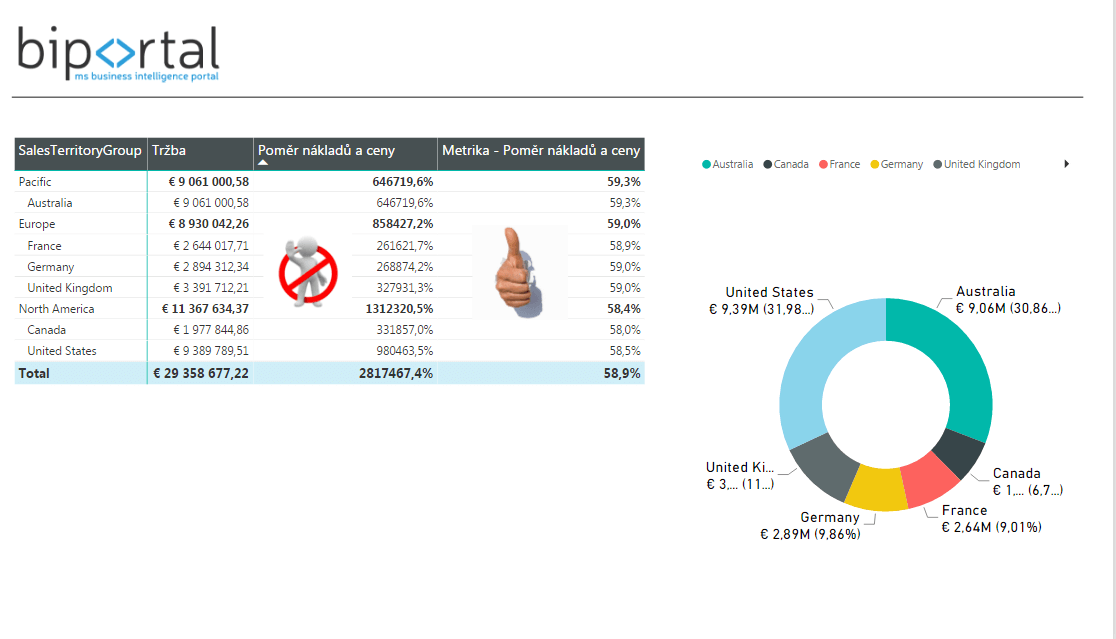
FILTER Functions for Power BI in DAX – Overview
DAX function FILTER functions (filtering functions) are used to get values from the table. Some functions enable additional filtering in a given table. These functions are often part of different functions as is nested parameter and enable dynamic calculations. They often serve as a value filter for function  CALCULATE. Mostly it is the case of… Read More »

Category: DAX

Aggregation in DAX – How Aggregations Work? + Function Overview

Aggregate functions in DAX language are used to get certain summarized or grouped data view. Thanks to this, we can edit high detail data in a certain column into more simple and reportable form using aggregation. We can for example sum up (SUM, SUMX) some financial metrics by individual category or express maximal/minimal (MAX, MAXX,… Read More »

Category: DAX

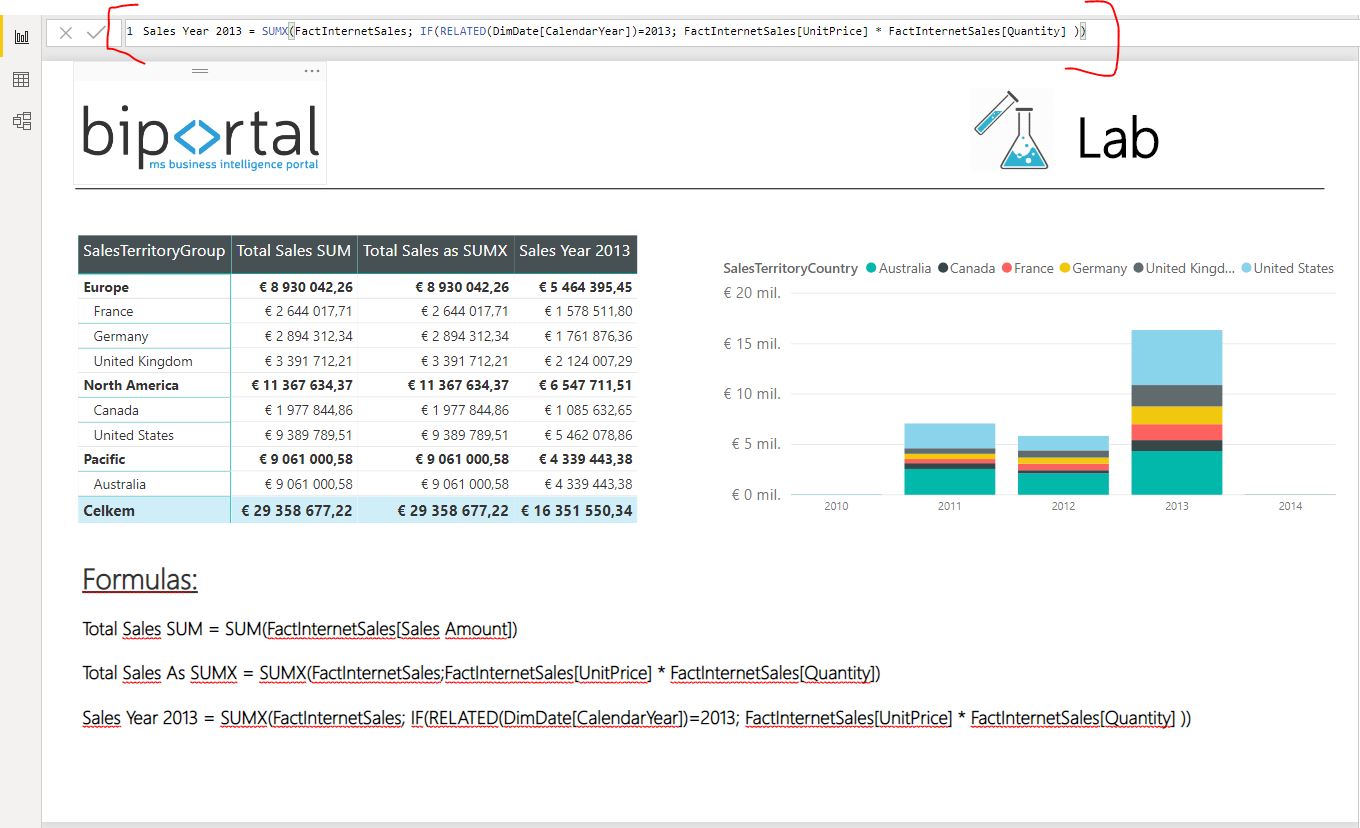
DAX | SUM and SUMX – How to Perform Aggregation in DAX Language for Power BI

You probably noticed that there are many functions in DAX that are similar to Excel ones (as in article here). Contrary to Excel functions, DAX haves on strange thing. Some aggregate functions have another similar function ending with X – for example SUM and SUMX or COUNT and COUNTX. These functions often give same results… Read More »

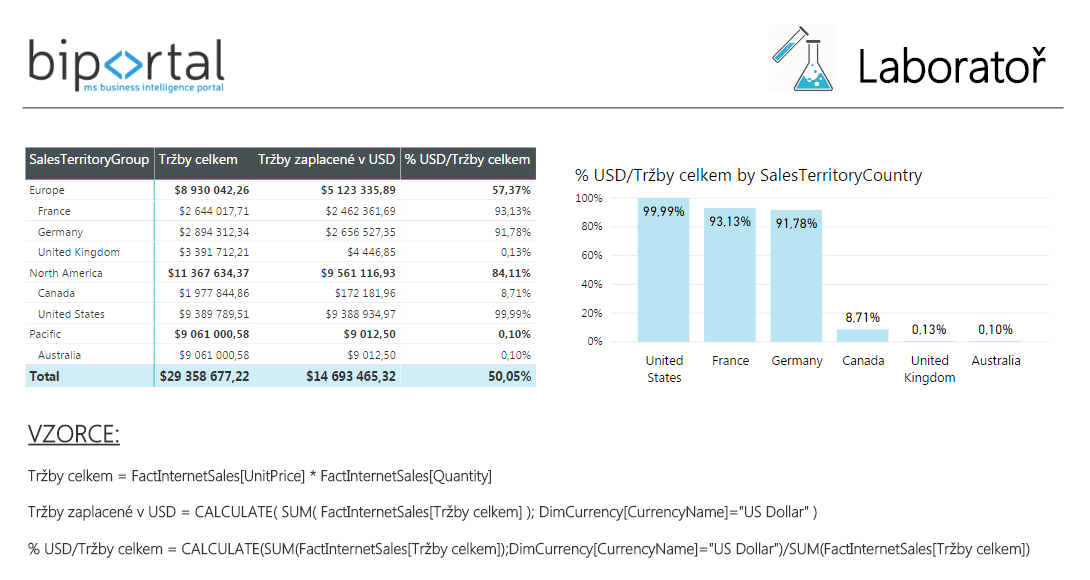
DAX Difference Between Measure and Column + Example on Report

We can create two types of new values using DAX in Power BI. They are calculated measures and columns. Difference between measure and column and its understanding is another major step in order to understand DAX language for Power BI. New measure or column in Power BI is added by clicking right mouse button above… Read More »