

To utilize Azure Service Principal authentication, it is necessary to first create an application and its credentials Entra ID (formerly Azure Active Directory). This authentication method will subsequently be required for us to correctly configure the profiles.yml file for connecting to Fabric, which is covered in the article – Fabric | dbt – Configuration profiles.yml for SPN Authentization to SQL Endpoint. A properly configured setup will then allow us to communicate securely with the Fabric environment via dbt and SQL queries.
The service principal created in Entra ID will also be needed repeatedly within the Fabric environment for an important purpose. If we want to keep our work in Fabric secure, we must ensure the safe transfer of passwords (Secrets) into Fabric notebooks — and we should avoid storing passwords directly in Fabric. If you’re interested in how to do this properly, check out Fabric – Pipeline and Key Vault for Secure Secret Transfer (the risk of SecureString compromise).
How to create Azure Service Principal (SPN)
The process is as follows:
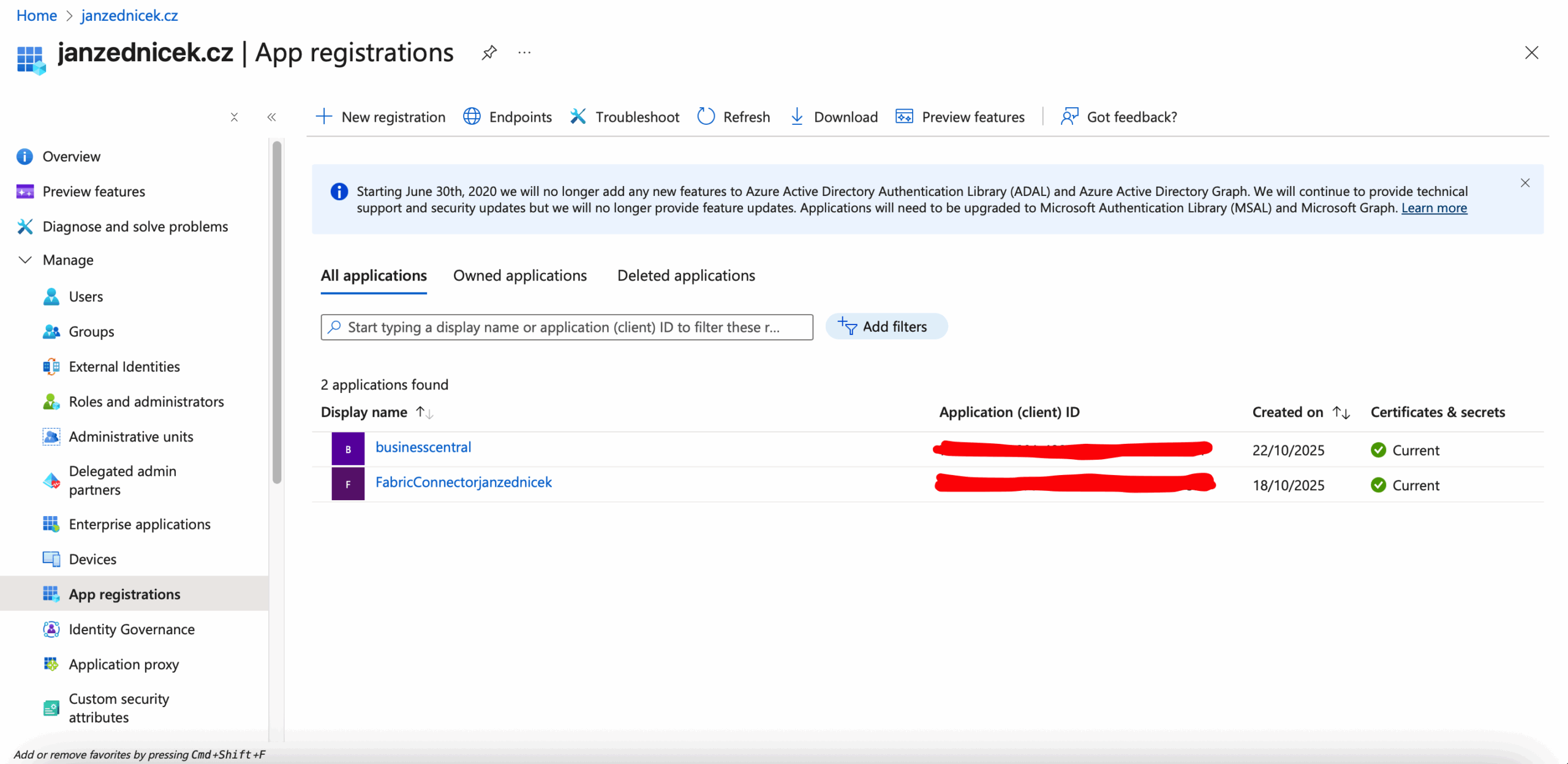
- In the Azure Portal, go to Microsoft Entra ID – App registrations.
- Select New registration and create a new application (e.g., “FabricConnectorjanzednicek”).
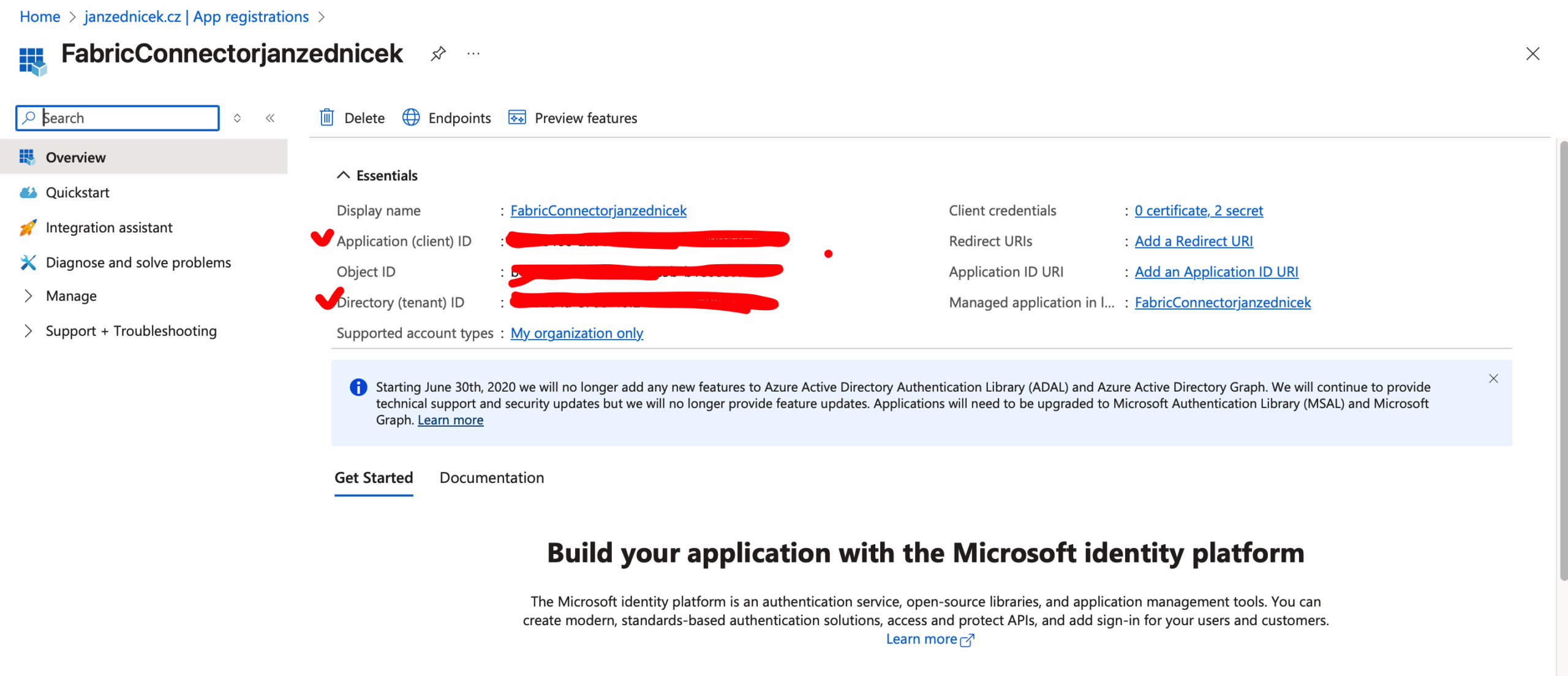
- After creating the application, click on the SPN and note down the values for Application (client) ID and Directory (tenant) ID. These values belong in the profiles.yml configuration file.
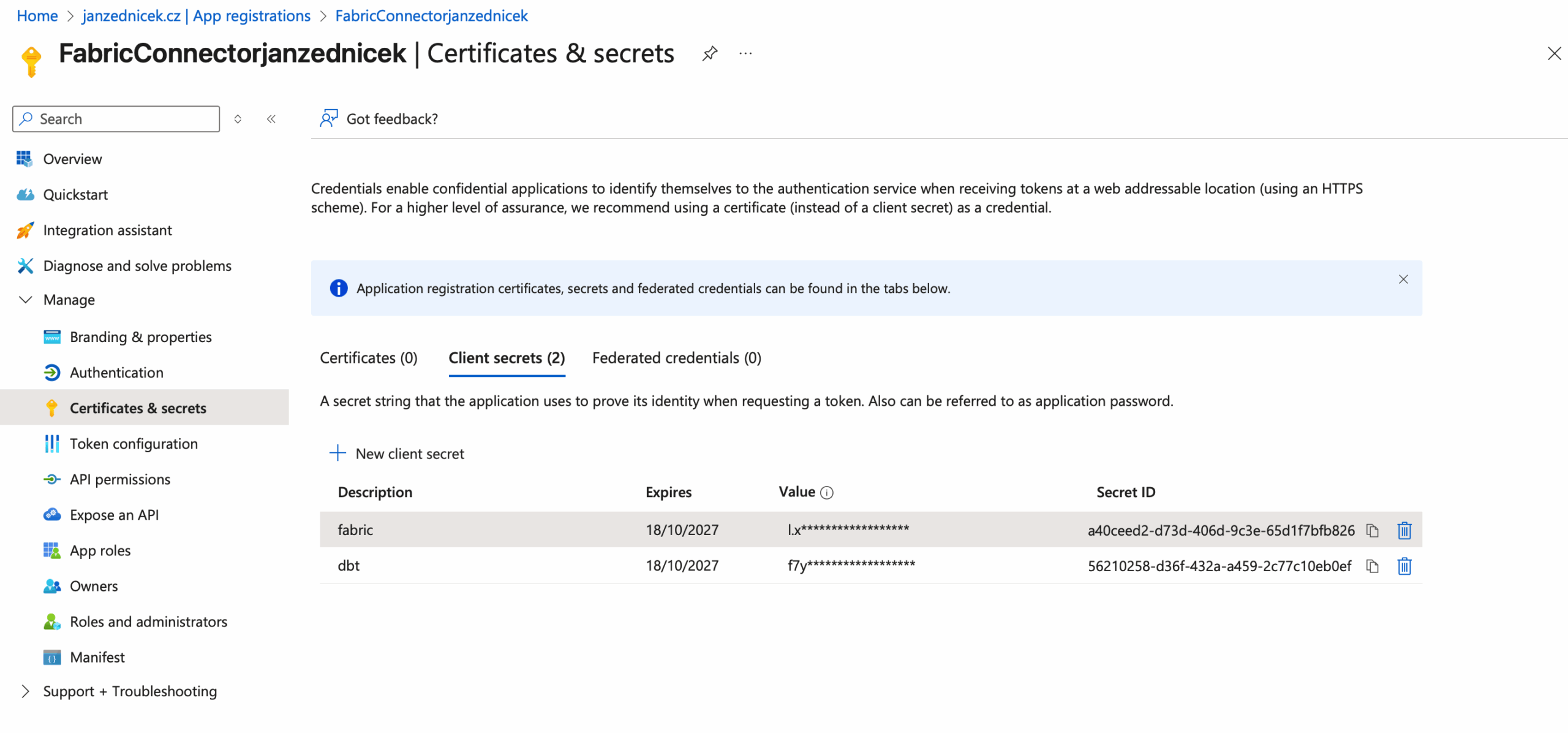
- In the Certificates & secrets section, create a new Client secret and store its value in a secure location — for example, Azure Key Vault or a local password manager (Keypass, etc.). For multiple services, you can have multiple secrets for the same SPN, depending on your secret rotation strategy.
- Within Fabric, go to the SQL Endpoint settings and add the SPN application as a user with the appropriate permissions (e.g., db_owner for testing purposes or more granular permissions for production).
- Then insert the values for tenant_id, client_id, and client_secret into the profiles.yml configuration file.
Conclusion
After completing these steps, we will be able to connect to the Fabric SQL Endpoint without the need for manual sign-in.
SPN authentication is the recommended method for automated data pipelines, CI/CD processes, and production dbt deployments.