

For the cloud-based Warehouse built on top of MS Fabric, we already have a prepared Lakehouse and DWH environment and, among other things, a configured dbt project. Now comes an important DataOps phase: we need to think about
- From which environment (ideally serverless) we will batch-run the dbt project in the future.
- How to implement a Continuous Integration and Continuous Delivery (CI/CD) process that ensures automatic and secure deployment of verified transformation code from the repository before each dbt execution.
Azure Container Apps Jobs (ACA Jobs) 1 provides an ideal serverless platform for running one-time or scheduled batch tasks, which form the foundation of ETL/ELT processes. This technical guide explains in detail how to properly containerize and run these critical DWH components.
Introduction to Azure Container Apps
Azure Container Apps (ACA) is a service for running containerized applications without the need to manage infrastructure (Kubernetes, VMs, etc.). It supports both long-running services (APIs, web apps) and short-lived jobs. The key features include scalability, integration with Azure Monitoring, networking, and secure connectivity to other Azure services (e.g., Key Vault, Storage, Database, Event Grid).
Azure Container App Jobs
Since we will be operating a data solution built on dbt that runs in batch mode once per day, the most relevant service for us is Azure Container Apps Jobs. It is a special type of Container App designed for batch, scheduled, or event-driven jobs that do not run continuously. It is suitable for use cases such as:
- periodic batch processing (cron),
- CI/CD steps,
- data transformations — e.g., executing dbt pipelines.
Types of jobs:
- Manual – executed manually via CLI or API,
- Scheduled – executed automatically based on a crontab schedule,
- Event-driven – triggered by events from Azure Event Grid or Service Bus.
Each job runs as a short-lived container with a defined command (e g dbt run or dbt test) or without one (the command is defined inside the container).
Cost: In the Basic tier (up to 10GB) approximately 5 USD/month for ~2 hours of runtime per day.
Azure Container Registry (ACR)
To run any job, we first need a secure place to store our Docker image. ACR is a fully managed private repository for Docker images. The main benefits include:
- secure image storage within an Azure subscription,
- integration with Azure Container Apps, AKS, Azure DevOps, and GitHub Actions,
- authentication using Managed Identity (no need to store passwords),
- automatic builds or importing images from public registries (e.g., Docker Hub).
Cost: around 5 USD/month
Containerizing the dbt Project and Storing It in Azure Container Registry
Now that we know where our container will run, the next step is to create it. To build the Docker image:
- Create a new file in the dbt project called Dockerfile (-> open to see script) – this defines what the container environment includes: Python, dbt adapters, ODBC Driver 18, and the definition of the run script.
- Create another file in the dbt project named Dockerfilerun (-> ope to see script). This file defines what should be executed inside the Docker container.
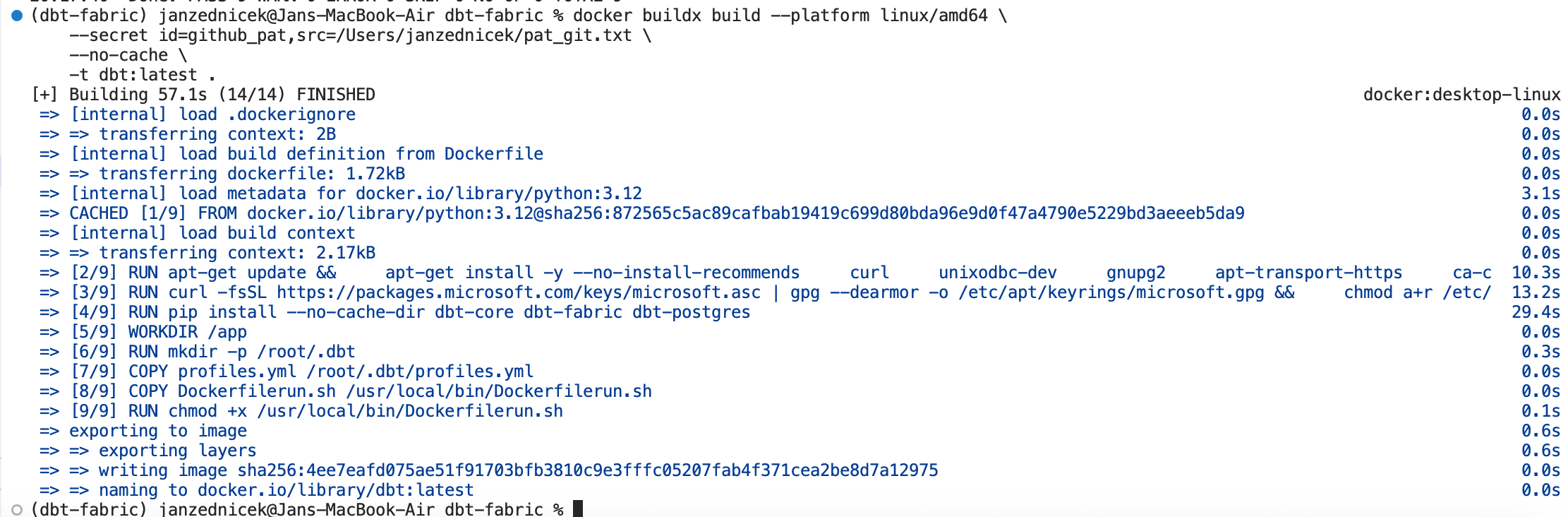
- Next, build the image by running the following command in the terminal. Secrets (GIT PAT and client secret for Fabric connection) will be passed later in Azure — embedding them in Docker is a security risk.
docker buildx build –platform linux/amd64 \
–secret id=github_pat,src=/Users/janzednicek/pat_git.txt \
–no-cache \
-t dbt:latest .
-e DBT_SECRET=”f7y8Q………” \
-e GITHUB_PAT=”github_pat_…….” \
dbt:latest
5) If the image works correctly, push it to the Azure Container Registry created earlier:
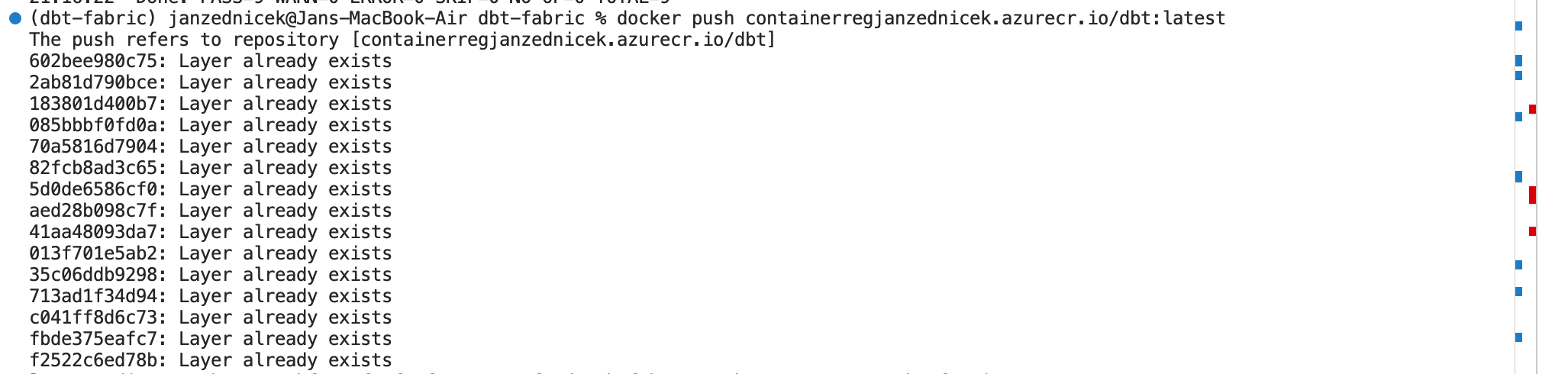
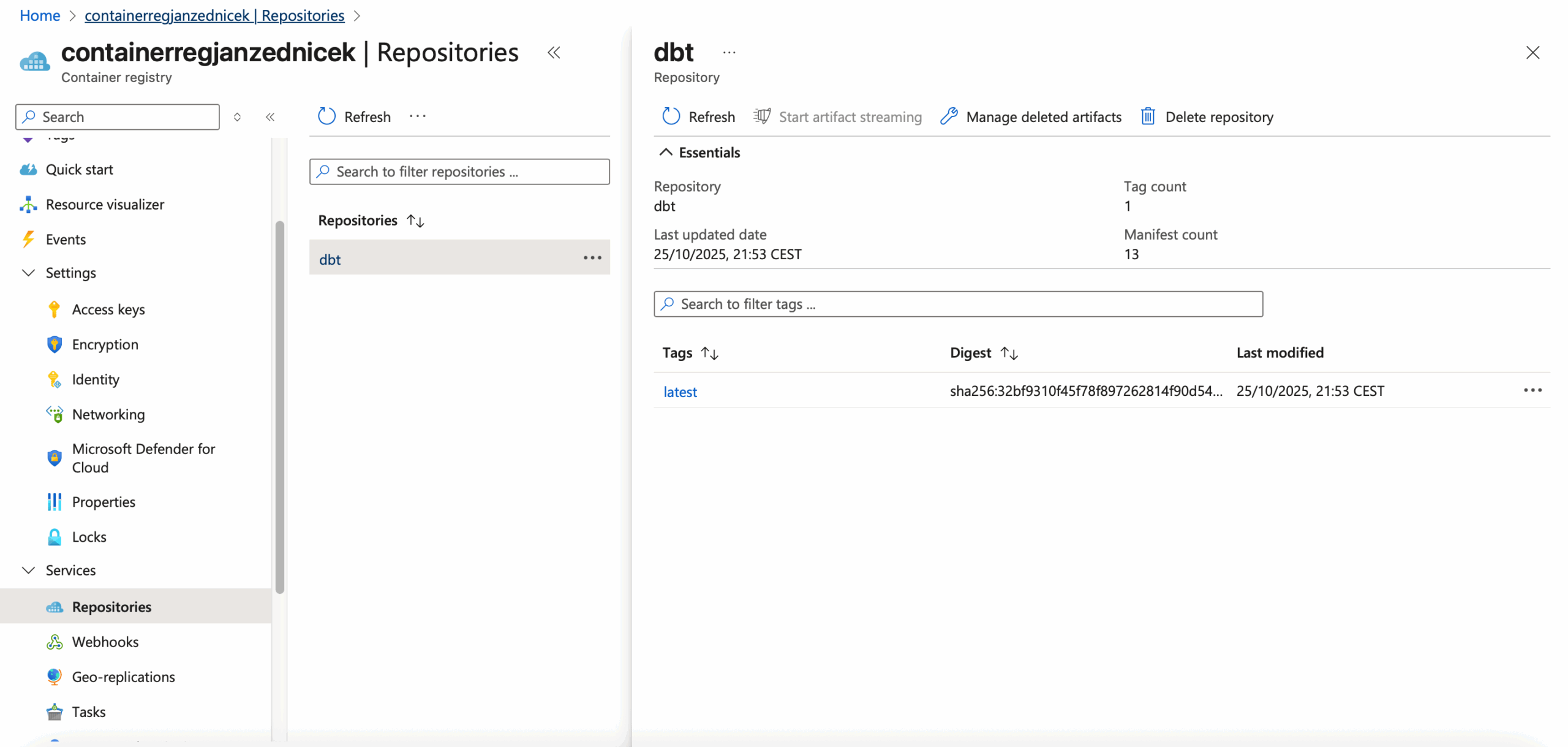
6) After pushing the image, you can verify it in your Azure Portal resource. The final step is to execute it via Azure Container App Jobs.
Running dbt through Azure Container App Jobs
- Create a new Container App Job resource.
- Configure the container as shown in the image — Container Apps will automatically detect the Docker image stored in ACR. Do not specify any command or arguments; everything is controlled by the run script inside the Docker image.

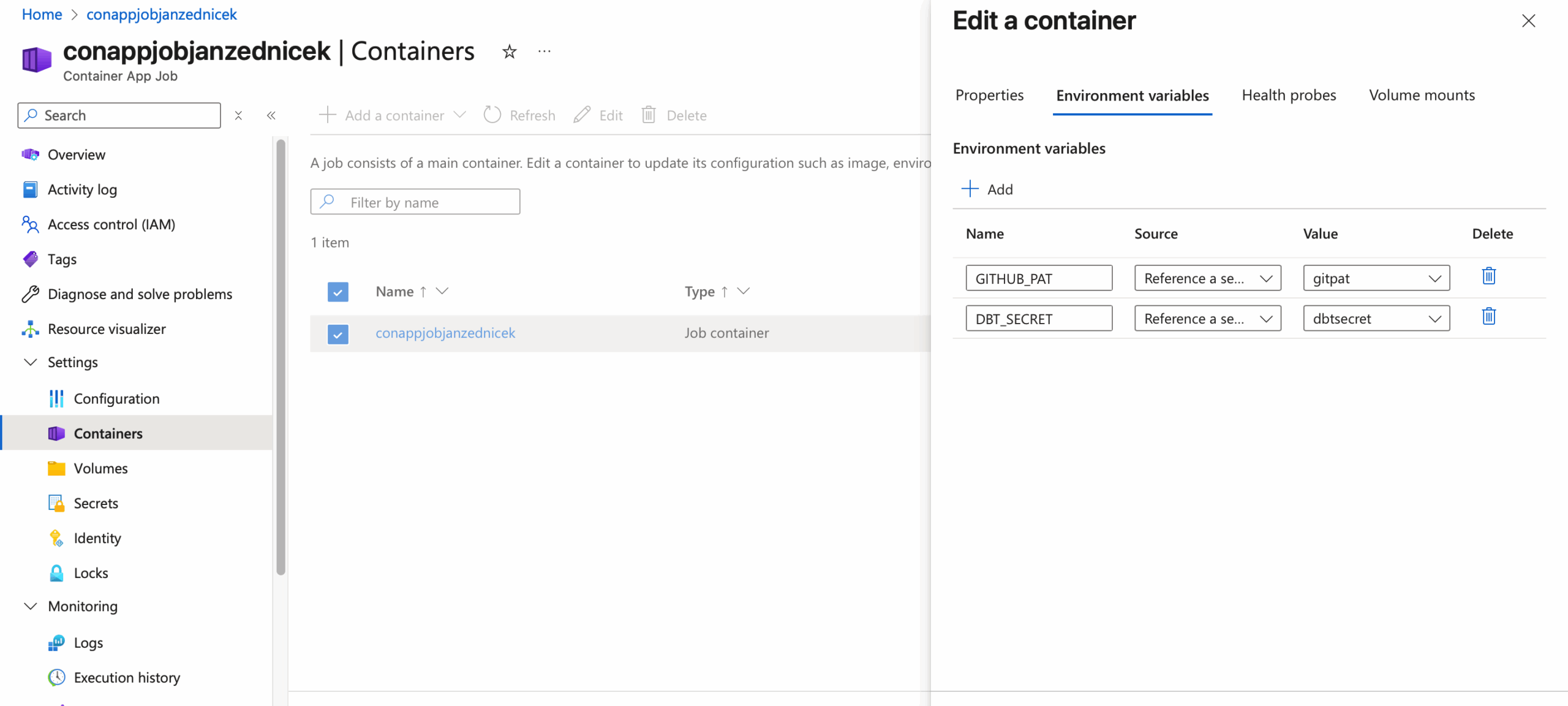
- Since we externalized secrets into variables, configure the Environment variables — we need two of them:
DBT_SECRETfor Fabric authentication andGITHUB_PATfor repository access before dbt runs. Each variable refers to a secret stored either in Container Secrets (Settings → Secrets) or Azure Key Vault. If using Key Vault, make sure proper access rights are configured.
- Now we can test the functionality:
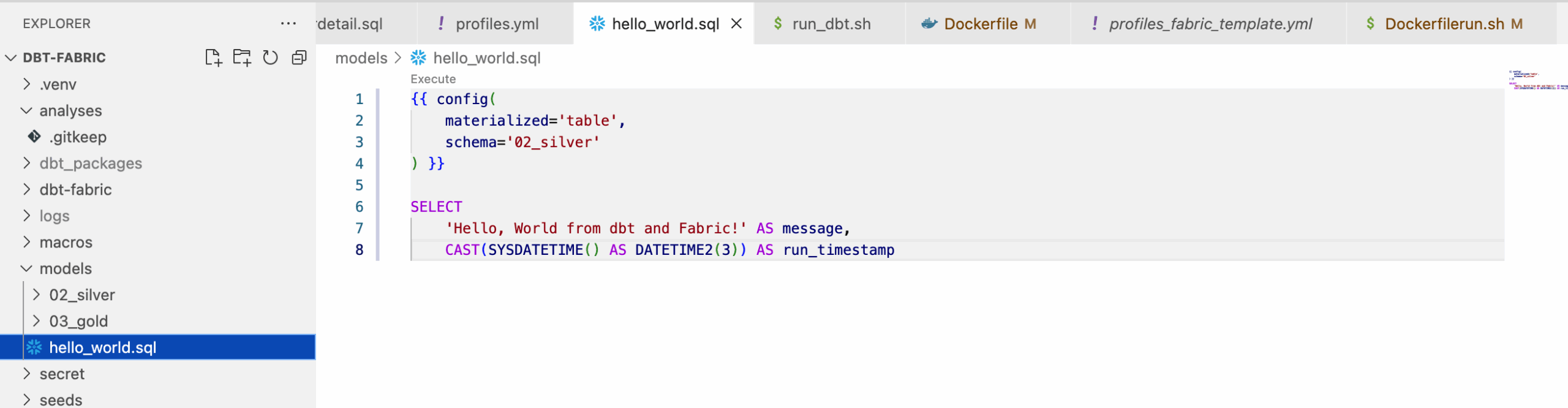
- Create a new file
hello_world.sqlin the dbt project.
- Push it to the repository,
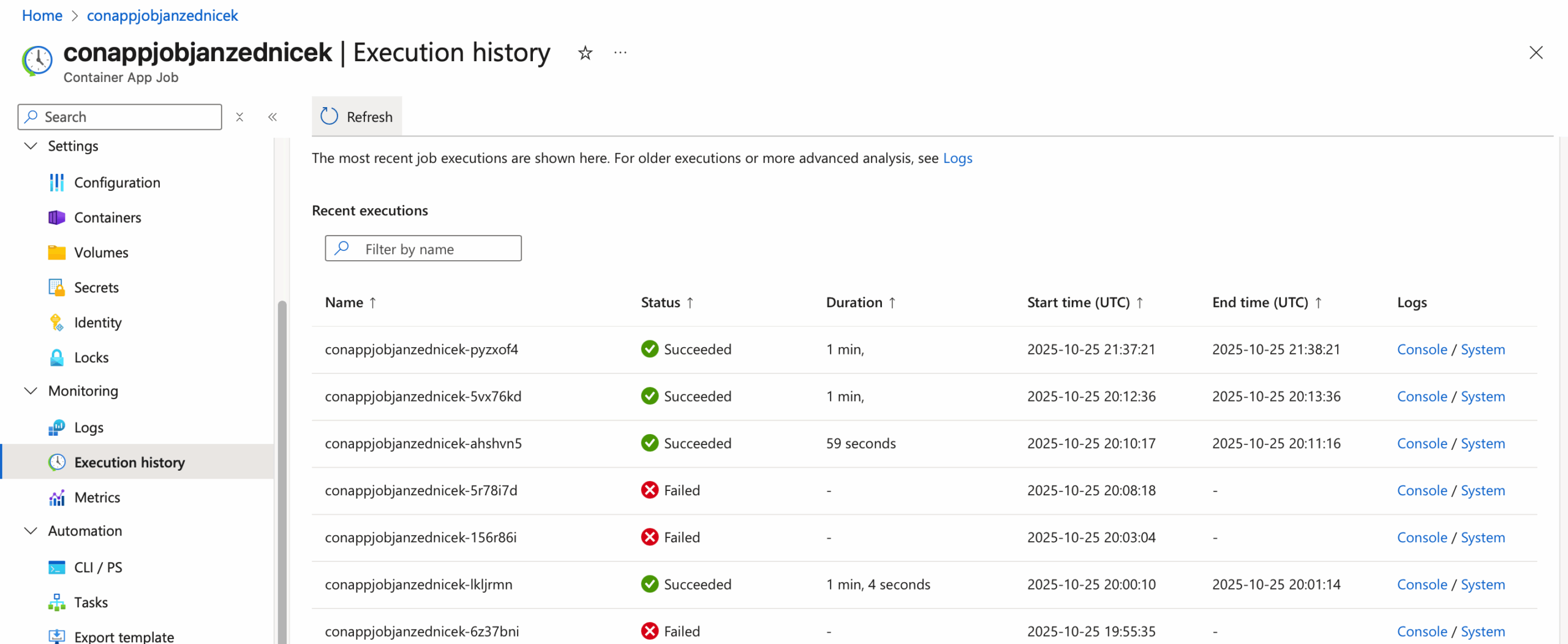
- Run the Container App Job.
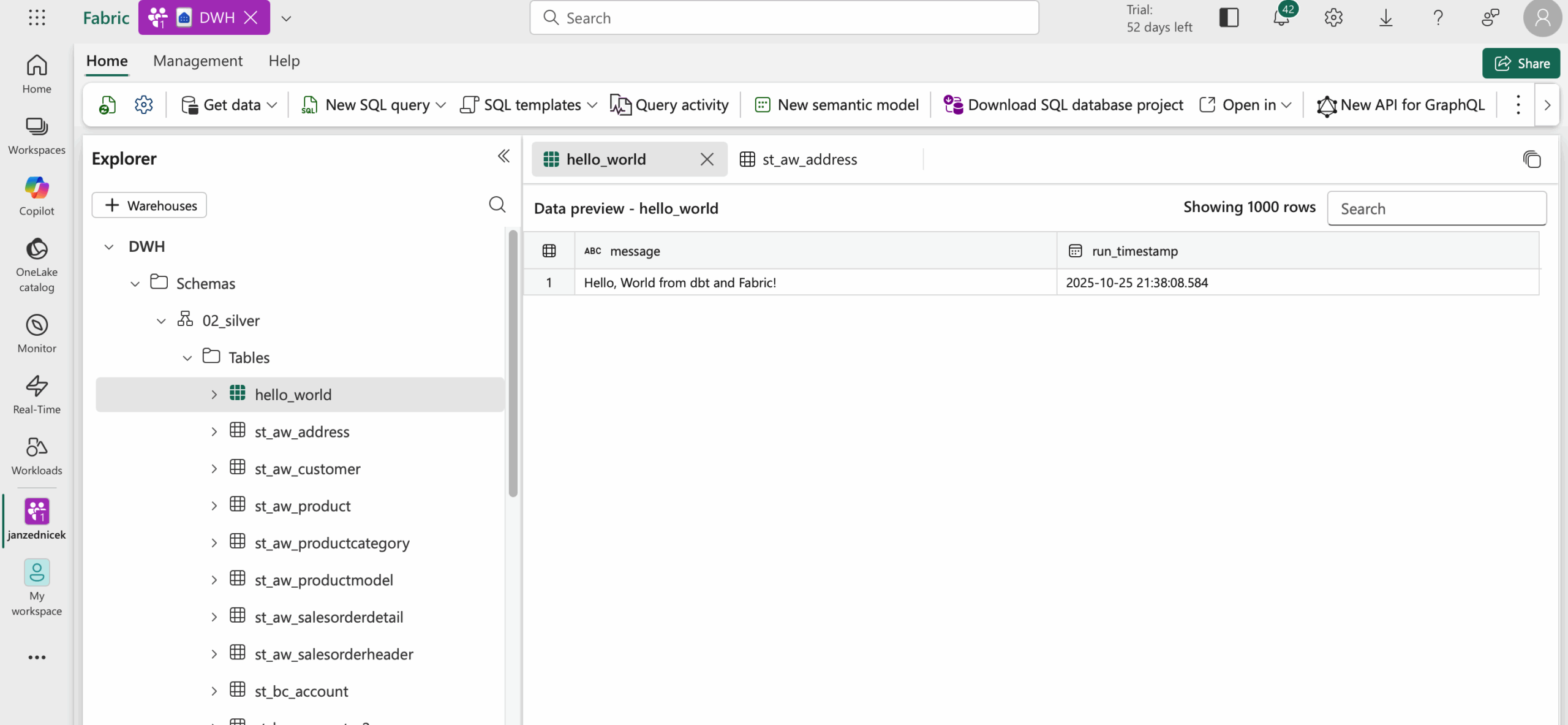
- Finally, verify that the table appears in Fabric.
Reference
- Microsoft documentation, Azure Container Apps [online]. [cit. 2025-10-25]. Available at: https://azure.microsoft.com/en-us/products/container-apps