Category Archives: Power BI reporting

Power BI
Power BI is the game-changer in the area of Business Intelligence. In this section, you will find Power BI articles. There is not only information about this exceptional business intelligence tool (available for free in its basic version), but also about useful tools that are used as add-ins in MS Excel.

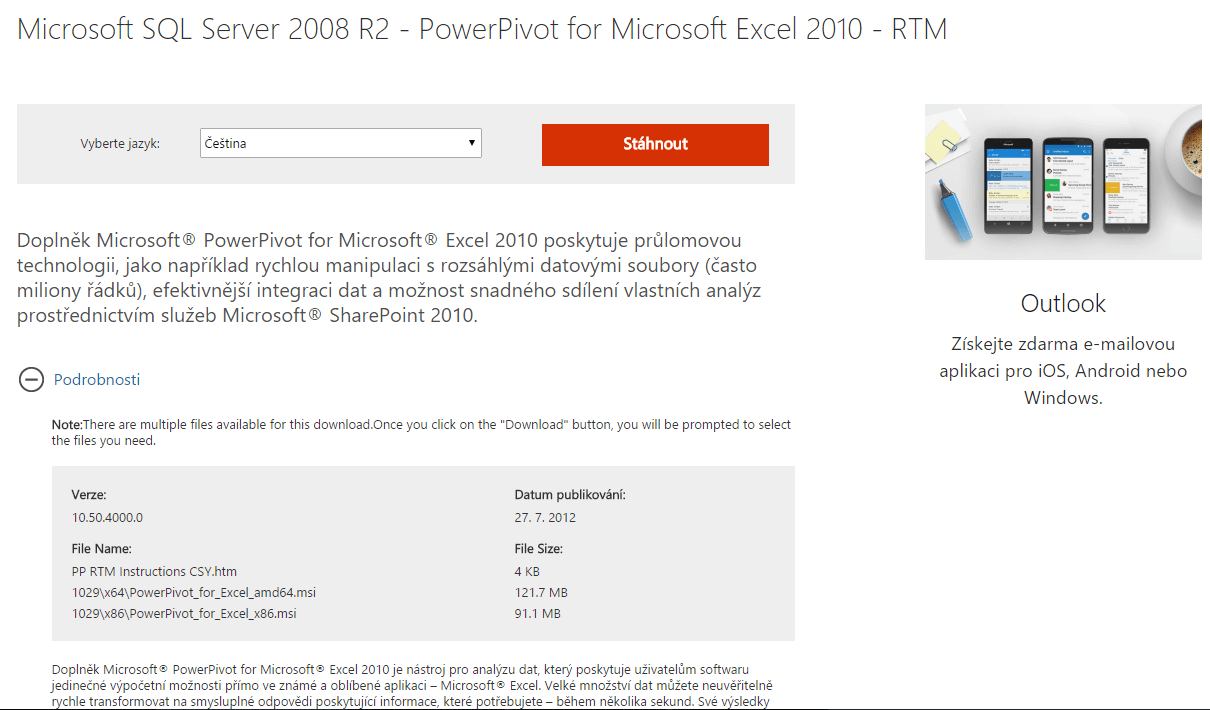
These tools are Power Pivot and Power Query (now natively in Excel). They are useful for creating business intelligence solutions in Excel (data imports, transformations, data modeling).

Update: Power Query and Power Pivot are now natively in Excel

Don’t miss out from category:

Power BI Report (Dashboard) Tutorial Step By Step

This article is meant to be some kind of a tutorial. After going through it, it should be clearer to you how to create Power Bi report like this on your own. Following this, you can create basically any report you want – company operation report (timesheets, wages, investments), financial analytics (balance sheet, income statement,… Read More »

Power Query, Power Pivot and Power BI – What’s the Difference?

Best way to understanding of the differences between individual Power BI tools is to realize that every tool has some role in the whole processing of the final report. In standard MS Business intelligence we have tools by which we ensure data transformations (SSIS), processing of data model with data storage in relation structure (SQL… Read More »

Getting Started with Power Pivot – Data Modeling in Excel

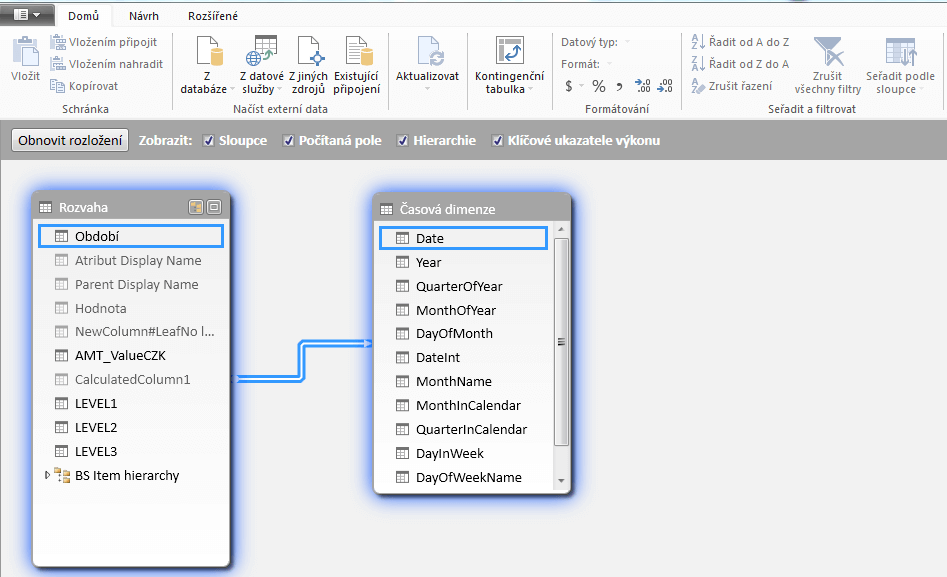
Powerpivot is an excel add-in enabling data modeling and analysis in familiar Excel environment which is certainly an advantage. Import big amounts of data through Power Query and connect them to each other using PowerPivot One of the upsides of power pivot is possibility to connect multiple data sources into one excel. It even do… Read More »

Power Query – Powerful Tool For Self Service BI – Introduction

MS Power Query is a very powerful business intelligence tool by Microsoft. As an Excel addin it can, together with Power Pivot, replace tools which were made only for experienced developers (SQL Server Integration Services etc.) The biggest advantage of this tool is the possibility to use a wide variety of connectors to data sources.… Read More »

How to Get Started With Power BI + BI Tools for Excel

Power BI is a cloud technology by Microsoft which enables user to analyze and visualize data easily. Creating reports is a task anyone can do. You do not have to be a programmer to use this tool. You will need just the basic user skills. Undeniable advantage is an ever-growing community, meaning that if a… Read More »